 Fishing Break
The game
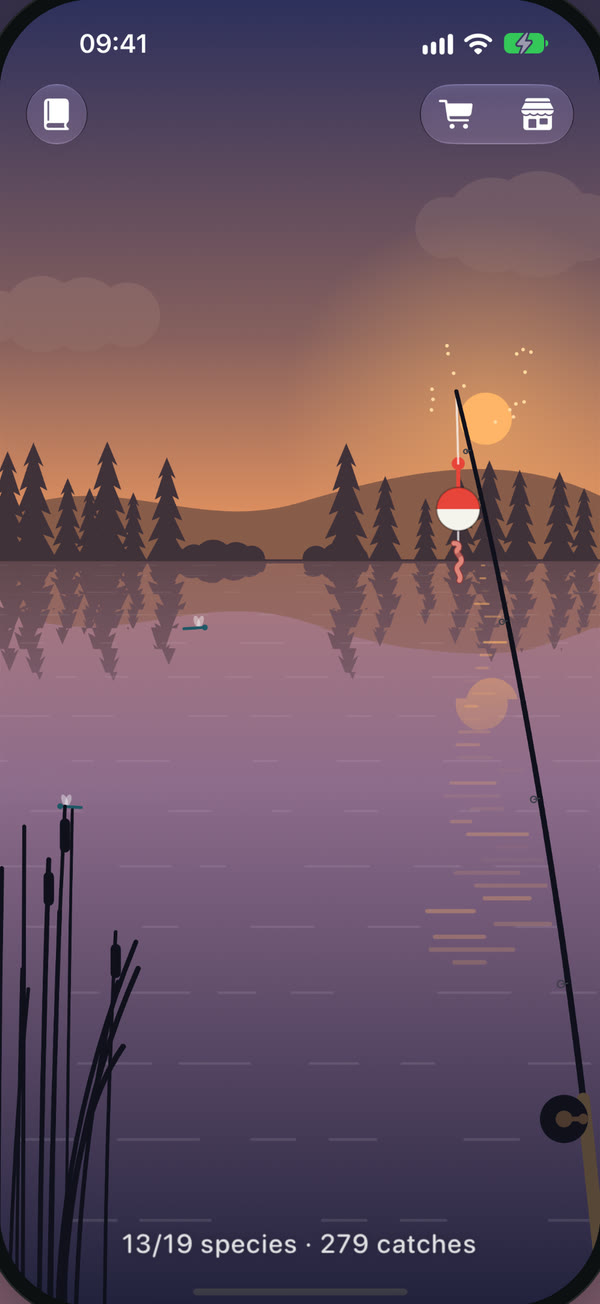
A round takes a minute or two. The lake changes with the time of day, the weather and the seasons, and so does what’s biting.
- Catches
- 66
- Rarity tiers
- 6
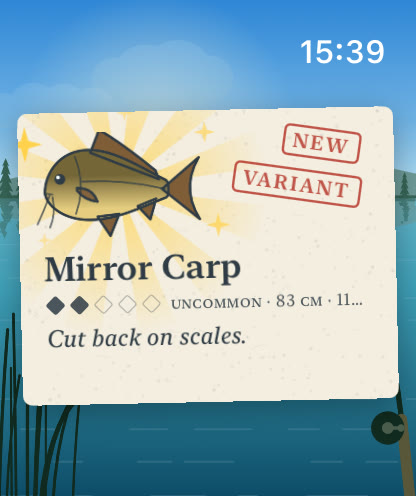
- Rare variants
- 50+
- Ads, accounts, subscriptions
- 0
How to play
How it works
-
01 / 04
Cast
Tap the lake or cast with a flick: of your wrist on the watch, of the whole phone on iPhone. Hold a little longer to cast up to 100 m, where rare fish bite more often.
-
02 / 04
Wait
A light twitch is just a nibble. Tap now and the fish is gone.
-
03 / 04
Strike
When it vibrates strongly and the float goes under, tap right away.
-
04 / 04
Reel in
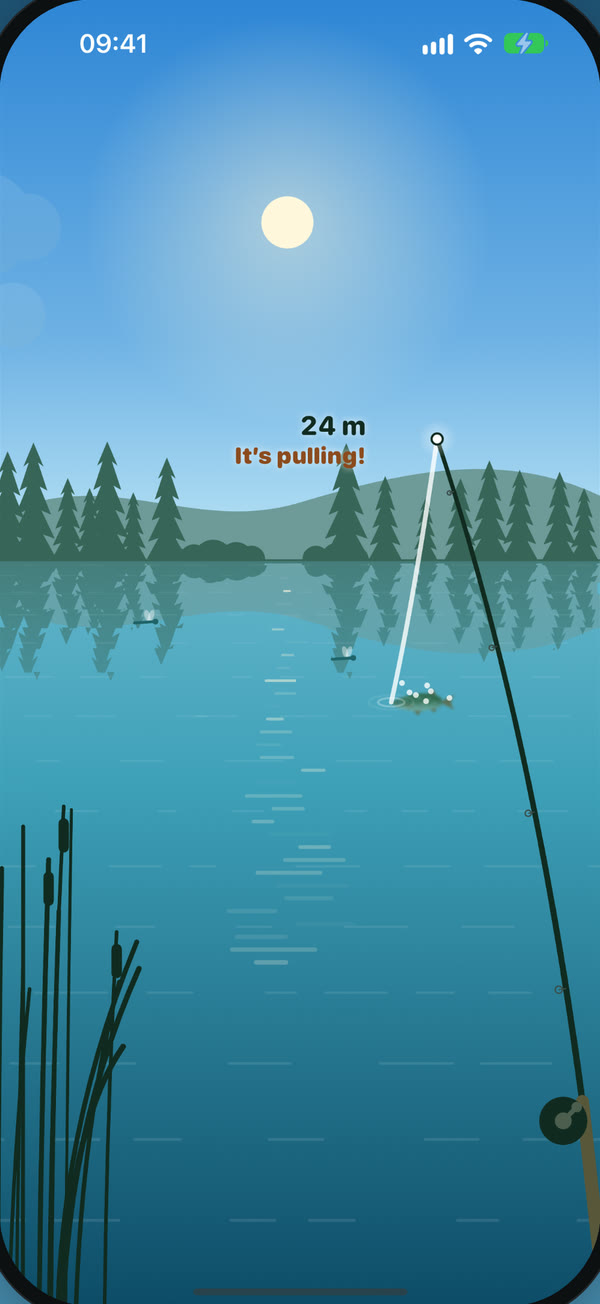
Swipe on iPhone, turn the Digital Crown on the watch. When the fish pulls, ease off. The tighter the line, the narrower your view.
At the lake
Fishing for your coffee break
-
01 / 06
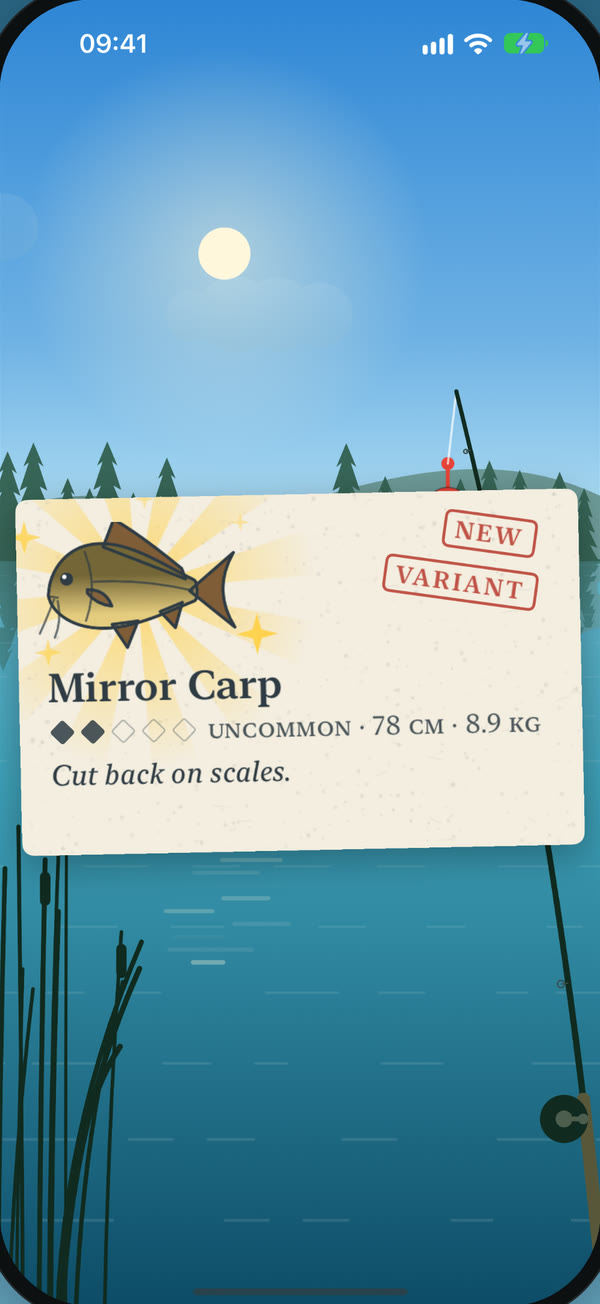
What’s biting today?
66 catches in six rarity tiers, from roach to pike and catfish to legends nobody will believe. Not everything on the hook is a fish. Old boots are part of it.
-
02 / 06
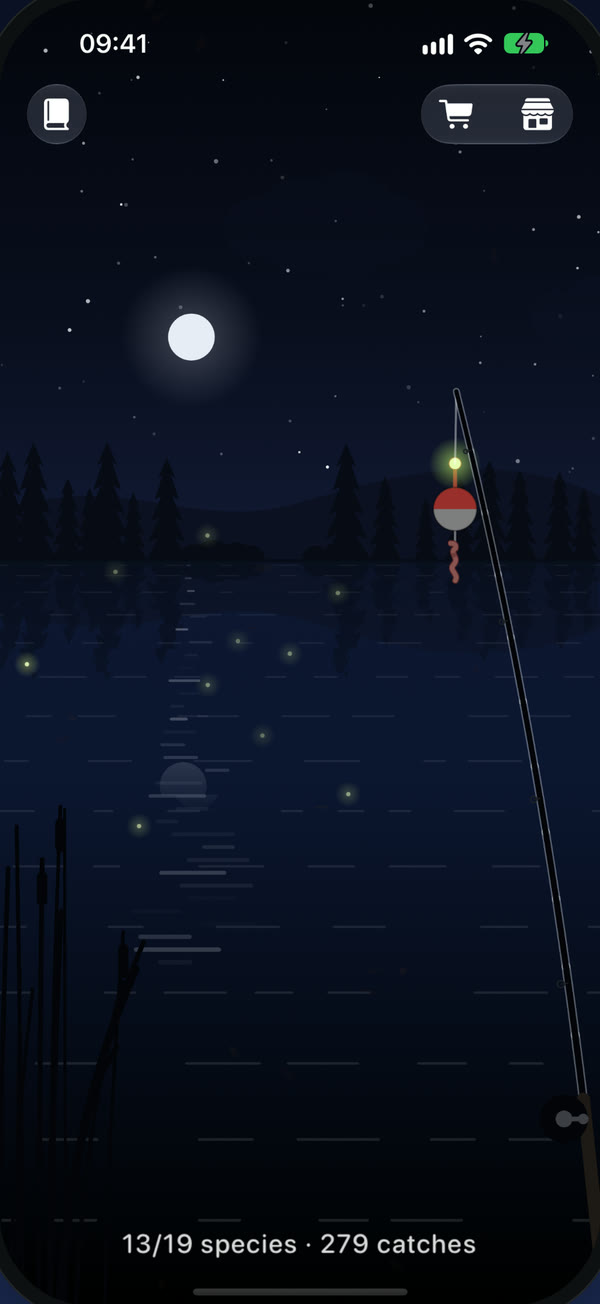
Different fish bite at night
Some species only show up at certain times of day, in certain weather or in one season. Who bites when is for you to find out.
-
03 / 06
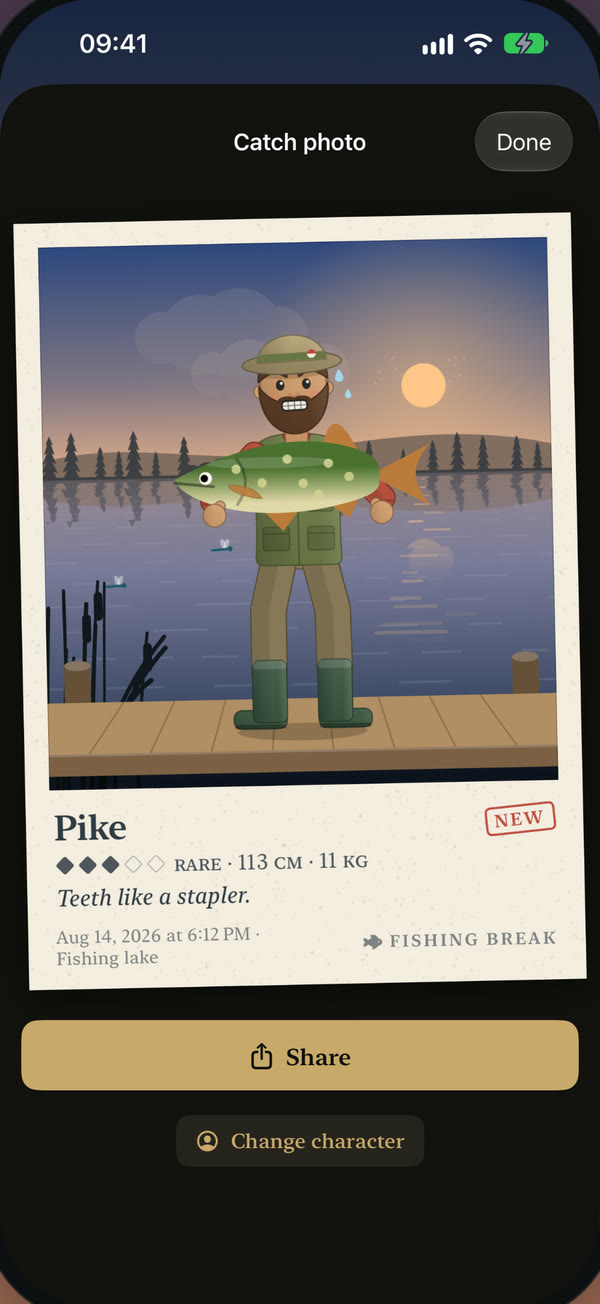
Show off your catch
On iPhone you can take a photo of your catch: your own character holding the fish, at the lake as it looks right now. Share the photo or save it.
-
04 / 06
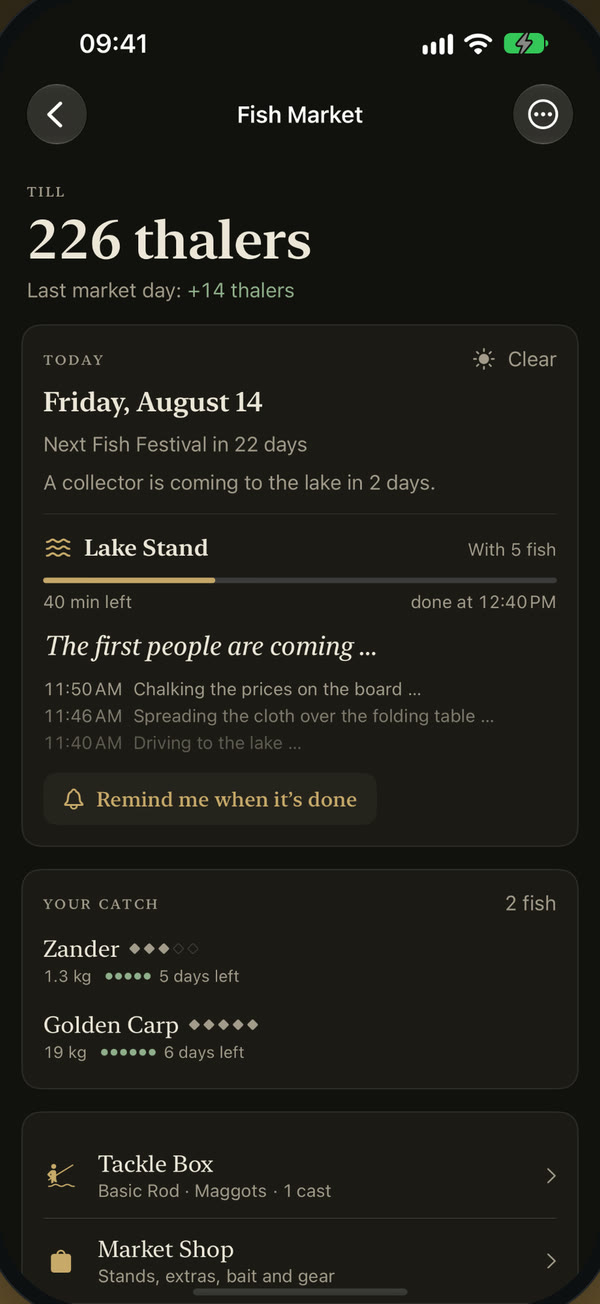
Sell your catch
At the Fish Market you sell your catches and slowly build up a small business. A market day runs in real time, from half an hour with friends to six hours for New York.
-
05 / 06
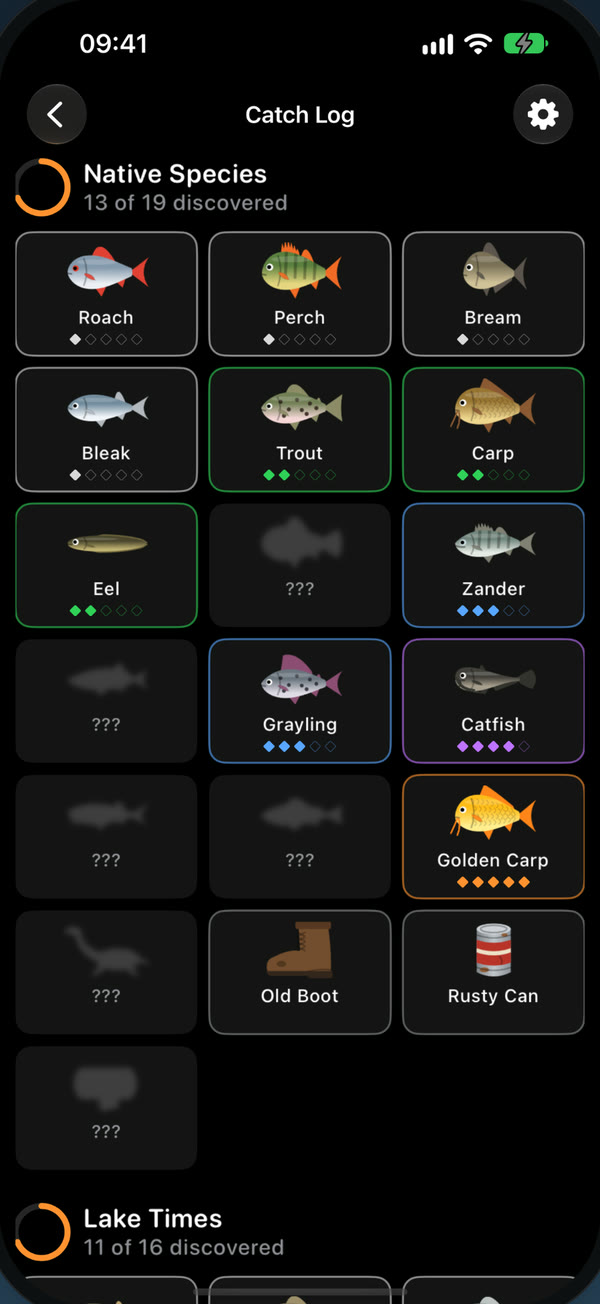
Every catch goes in the log
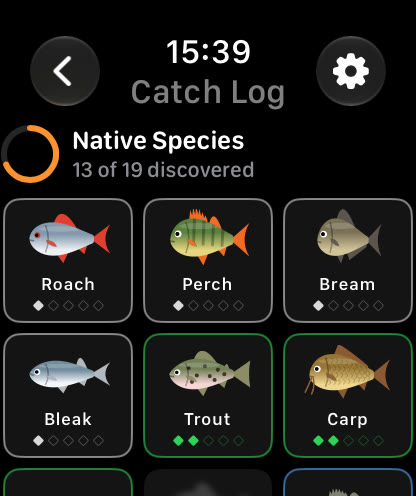
Every species you discover goes into the catch log, with count, record, time of day and weather. iPhone and watch share one catch log.
-
06 / 06
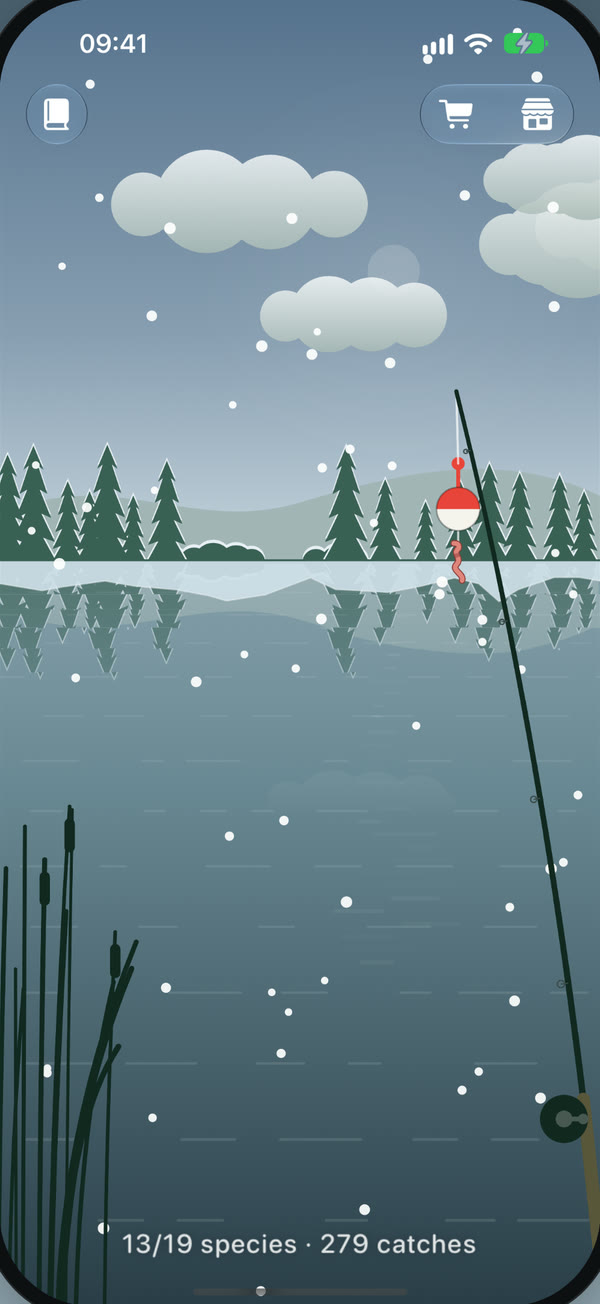
A different lake every day
The lake runs on the real calendar and clock. Time of day, season, moon and weather decide what bites. In winter it snows now and then.
Apple Watch
Fishing on your wrist
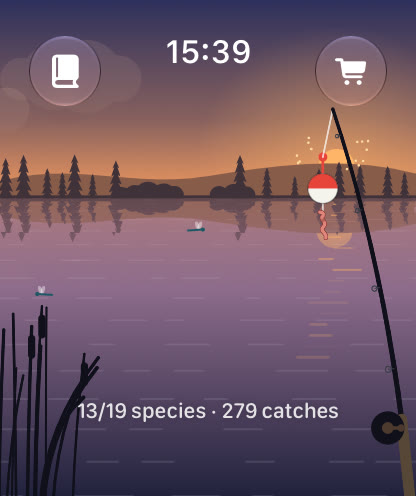
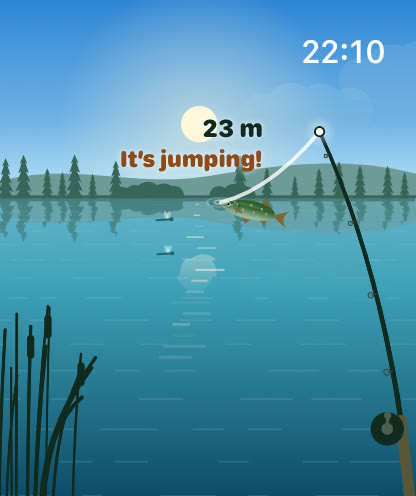
On Apple Watch, Fishing Break also plays without your iPhone nearby.
Digital Crown
The crown reels in the line. Every detent clicks like a real reel.
A flick of the wrist
One flick casts the rod. You feel the bite as a strong vibration.
Watch face
Complications show your catches right on the watch face. Widgets show who might be biting right now.
One catch log
iPhone and watch keep their catch log in sync. Purchases made in the iPhone app also apply on the watch.
Guides
About real fishing
- 01When do fish bite?Time of day, weather and water temperature: which of them really count.
- 02Fishing by moon phaseFull moon, new moon and the solunar theory, with today’s moon phase.
- 03Winter fishingPike, burbot and trout bite in the cold too. When, and why.
- 04A fishing game for Apple WatchCast with a flick of the wrist, reel in with the Digital Crown.
Help
Common questions
01 / 04On the water
Why does my line keep snapping?
The line snaps when you keep reeling while the fish pulls. When your view narrows from the edges or “Too tight!” appears on screen, stop reeling until the fish calms down. A rod tip glowing red means it is about to snap.
If you wait too long, the fish gets away instead: at “Line slack!” start reeling again. Keep the line lightly taut the whole time.
The fish was gone before I could tap.
The rarer the catch, the shorter the window to strike. Legendary catches leave you only a moment. Watch for the strong vibration and the exclamation mark above the float.
Can I reel in on the watch without the Digital Crown?
Yes. Swipe across the screen and the line comes in as well, just like on iPhone.
What does “Unknown Catch” mean?
The catch is in none of your field guides. It still counts. The Exotics Book from the shop names these catches, including the ones you have already made.
How do I take a catch photo?
On iPhone, the catch card has a camera in its corner. Tap it for a photo of your character holding the fish, at the lake as it looks right now. “Share” sends it on or saves it to your Photos. Each species in the catch log also has a photo with your record catch, including catches made on the watch.
You put your character together before the first photo and can change it later with “Change character”. Hats and outfits are sold for thalers in the Market Shop, so they need no purchase. While a market day is running, the Fish Market also has a postcard from that place.
02 / 04Fish Market
How does the Fish Market work?
At the Fish Market you sell your catches and slowly build up a small business. You open it in the iPhone app with the market stall icon at the top right, next to the cart. Catches from Apple Watch arrive there too. On the watch you can follow a market day as it runs and read the report afterwards.
Friends and the Lake Stand are free. The “Fish Market” purchase unlocks the Village Market, the City Market, the monthly Fish Festival and New York, plus the whole Market Shop and the Ledger. If you only want to fish, you never have to open the market.
Why does a market day take so long?
A market day runs in real time: half an hour with friends, an hour at the lake, six hours for New York. You can close the app in the meantime. If you like, a notification tells you when the day is over, and the Day Report is waiting in the market.
Can I buy thalers?
No. You earn thalers only at your stall. Real money buys neither thalers nor longer freshness nor a way out of bankruptcy.
03 / 04Shop and purchases
What does the shop offer?
One-time purchases, no subscription and nothing that runs out:
- Exotics Book: identifies unknown catches.
- Carbon Rod: reels in faster, and the line takes more strain.
- Premium Bait: attracts more rare fish and less junk.
- Fish Market: the Village Market, City Market, Fish Festival and New York, plus the whole Market Shop and the Ledger.
- Everything Forever: all four, plus every upgrade still to come. Whatever you've already bought is credited.
You buy in the iPhone app: open the shop with the cart at the top right of the start screen. The purchases then apply on your Apple Watch too; nothing is sold on the watch itself. You can play the whole game without buying anything.
The shop says “Currently unavailable”.
Your iPhone cannot reach the App Store right now. Check your internet connection and tap “Try Again” in the shop, or open the shop again a little later.
How do I restore my purchases?
Open the shop in the iPhone app, scroll to the end of the list and tap “Restore Purchases”. The iPhone has to be signed in with the Apple Account you bought with.
My purchase does not show up on Apple Watch.
The iPhone passes purchases on to the paired watch by itself. Open the iPhone app once while the watch is nearby, then open the app on the watch. The shop on the watch then says “Purchased”. This can take a moment.
How do I get a refund?
Apple handles the purchases, so Apple also decides on refunds. You can request one at reportaproblem.apple.com.
04 / 04Devices and data
Do I need both an iPhone and an Apple Watch?
No. The game runs on iPhone (iOS 18 or later) and on Apple Watch (watchOS 11 or later) independently, and the watch app works without the iPhone nearby. You buy things only in the iPhone app, and that's also where you plan your market days. On the watch you can follow a market day as it runs.
Which languages is Fishing Break available in?
English, German, French, Spanish and Italian. The app follows the language of your device. Depending on the language, the App Store lists it as “Angel-Pause”, “Pause Pêche”, “Pausa de Pesca” or “Pausa Pesca”.
My catch log is empty. What happened?
iPhone and watch sync their catch log once both apps have been opened and the devices are connected. It is stored only on your devices, not in an account. If the app is deleted on both devices, the catch log starts over. Your purchases remain and can be restored.
Contact
Another question?
Write to me. Your device (iPhone or watch model) and the iOS or watchOS version help me answer.